
Your camera roll is full of images that deserve more than a two-second glance. Yet on every major feed, a still frame competes against motion, sound, and pacing — and usually loses. Reshooting everything as video is not a realistic answer for a solo creator or a small brand, and slideshow tools with sliding transitions look dated the moment they load.
There is a middle path: animating the photographs you already own into short clips with real depth and audio. This guide covers source selection, a four-step production loop, and the habits that separate convincing motion from uncanny motion.
Why Static Images Struggle in Modern Feeds
Recommendation systems read watch time as a proxy for quality. A photo can only hold a viewer for as long as they choose to linger, while a clip creates a small commitment — people wait to see what happens. That difference compounds across a posting schedule. Two accounts publishing identical ideas, one in stills and one in motion, will drift apart in reach within weeks.
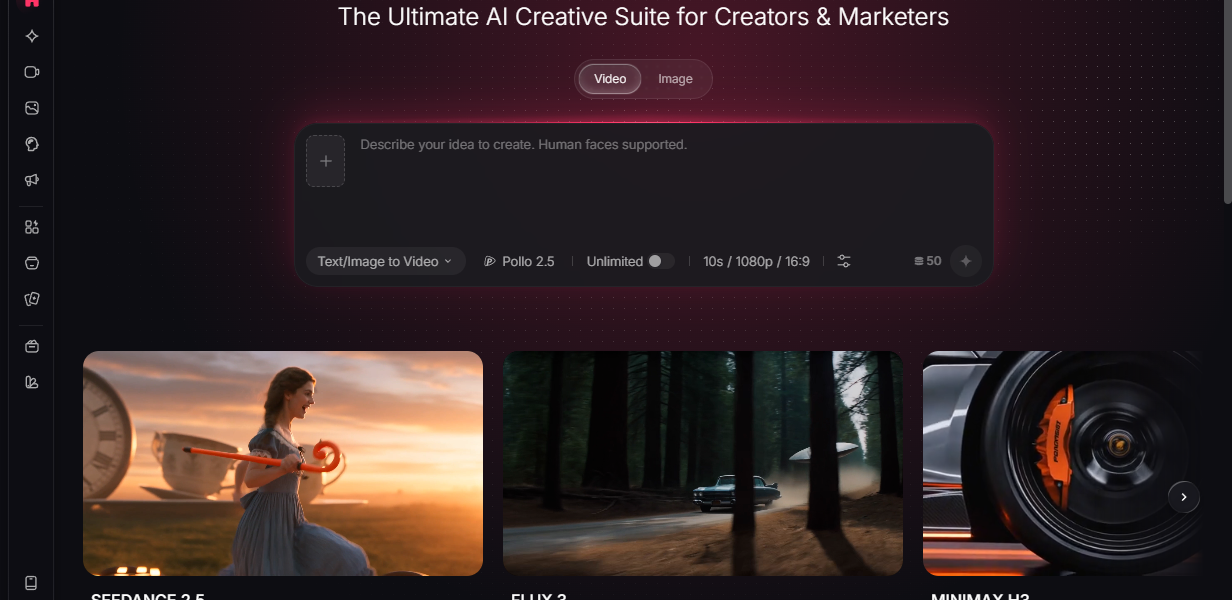
The reason most creators stayed with photographs was cost, not preference. That constraint has eased considerably. Pollo AI‘s turn photos to videos workspace brings several leading generation models together in one place, so a single still becomes a high-definition clip with cinematic scoring and ambient sound already layered in, smooth movement, and detail that survives a full-screen view — no separate editing session required to reach something publishable.
What this changes at an industry level is the publishing rhythm. Motion used to be a project scheduled around a shoot day; it is becoming a routine task performed from an existing library. Independent creators, small merchants, and animation-minded artists now operate on a cadence that previously belonged to studios with staff.
Not every image is a good candidate. Look for separation between subject and background, a clear light direction, and at least one element that could plausibly move — steam, hair, water, foliage, fabric. Flat collages, heavily filtered shots, and tightly cropped packshots give the model almost nothing to work with. Resolution matters more than styling; a plain but sharp photograph beats a stylised, compressed one every time.
A Four-Step Production Loop
Not every image is a good candidate. Look for separation between subject and background, a clear light direction, and at least one element that could plausibly move — steam, hair, water, foliage, fabric. Flat collages, heavily filtered shots, and tightly cropped packshots give the model almost nothing to work with. Resolution matters more than styling; a plain but sharp photograph beats a stylised, compressed one every time.
Step 1: Read the frame before you prompt
Spend ten seconds describing the picture aloud. Where is the light coming from? What is nearest to the lens? What is physically capable of moving here? This tiny habit improves output more reliably than any advanced setting, because it forces you to request motion the image can actually support.
Step 2: Generate the base clip
Upload your chosen photo and write one clear line of direction: a slow push toward the subject, mist drifting left, a gentle handheld drift with the background softening. Because the turn photos to videos environment inside Pollo AI routes requests through different underlying engines, running two or three variations of the same prompt is worth the extra minutes.
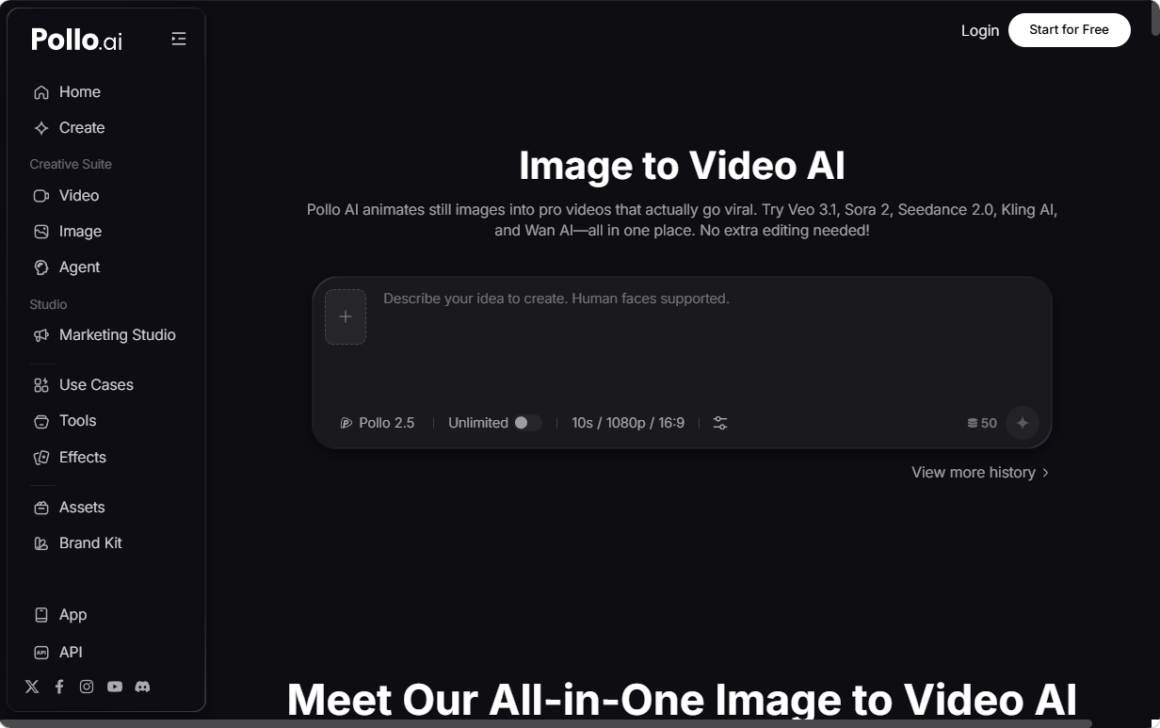
Judge results on stability first — does the subject stay itself? — and drama second. Over-prompting is the classic beginner error; strip your description back until only the essential movement remains.
Step 3: Set rhythm and sound
Trim so the visual event lands early. Four to eight seconds suits most feeds, with the subject fully legible inside the first second. Audio carries far more persuasive weight than newcomers expect: a distant street hum, a page turning, a soft swell under a landscape. Since scoring and environmental layers arrive with the generation, your job is curation rather than mixing.
Step 4: Build style variants at speed
One clip rarely covers a week of posting. This is where preset-driven production earns its keep.
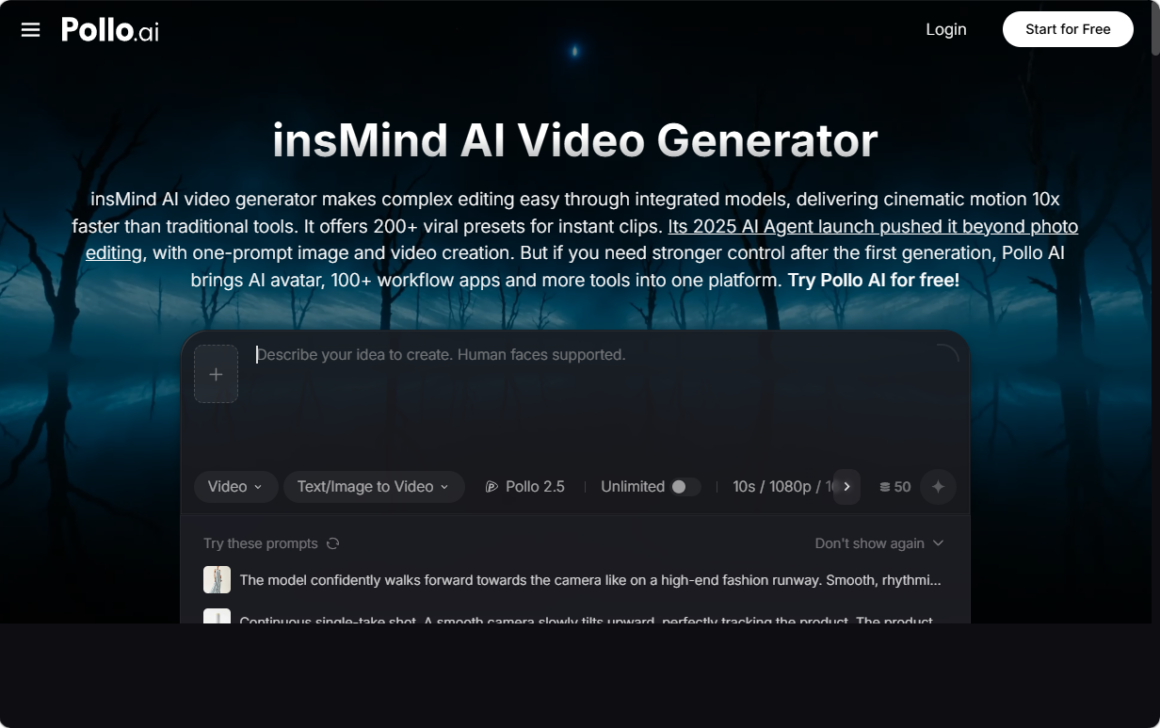
insMind, part of the wider Pollo AI ecosystem, combines several top-tier models into a generator that runs roughly ten times faster than conventional tools, which makes variation cheap enough to treat as standard practice. Its library of more than two hundred trending short-video presets and effects means you can render the same source photo as a moody cinematic push, a punchy trend-style edit, or a stylised piece using art filters inspired by Ghibli and Pixar aesthetics.
Two features matter, especially for series work. Custom first and last frames let you stitch clips into a continuous sequence with genuinely smooth transitions rather than hard cuts. And the built-in AI agent handles image and video creation from a single instruction, which collapses several manual stages into one for creators who post daily and cannot afford a long production tail.
Advanced Habits Worth Building
Write prompts the way a director speaks: subject, movement, camera, light, mood — in that order, and briefly. Batch your work; generating twelve clips in one sitting is far faster than one per day, because your prompting instincts stay warm. Keep a running document of phrasing that worked, since prompt libraries become genuine assets over time.
Watch for the two failure modes that undermine credibility. The first is exaggerated camera motion, which instantly reads as synthetic. The second is deformation around edges, text, or logos, which is why every clip needs a quick review at full size before it ships. When you need many angles on one idea, the preset system in insMind reduces the temptation to over-engineer a single take, because producing another version costs almost nothing.
Finally, treat publishing as data collection. Post three variations of a concept, keep the strongest, discard the weakest, and generate two fresh alternatives from a different source photo. That loop is only sustainable because the marginal cost of another clip is now measured in minutes.
Frequently Asked Questions
Do I need professional photography to get good results?
No. Clean lighting and a clear subject matter far more than studio equipment or elaborate styling.
How long should a photo-based clip be?
Most perform best between four and eight seconds. Longer sequences work when you chain several clips with matched transitions.
Can this replace filming entirely?
Not for human performance or complex physical interaction. For products, landscapes, illustrations, and atmospheric b-roll, it covers the majority of everyday needs.
Conclusion
Attention is won in the first second, and motion buys that second more reliably than any caption. Start with five photographs you already love, read each frame carefully, generate two variations apiece, add sound, and publish across a week. Review what held viewers and let that decide your next batch. The skill worth developing is not technical operation but judgement — knowing which images deserve to move, and how much.